
Skip to content

Get a custom energy roadmap for every building you run

Elexity Navigator gives commercial & industrial (C&I) buildings a roadmap to take control of their energy future. It analyzes solar, storage, HVAC and EV controls with rate options, incentives and more to generate a building-specific list of bill savings and revenue creating energy pathways. 

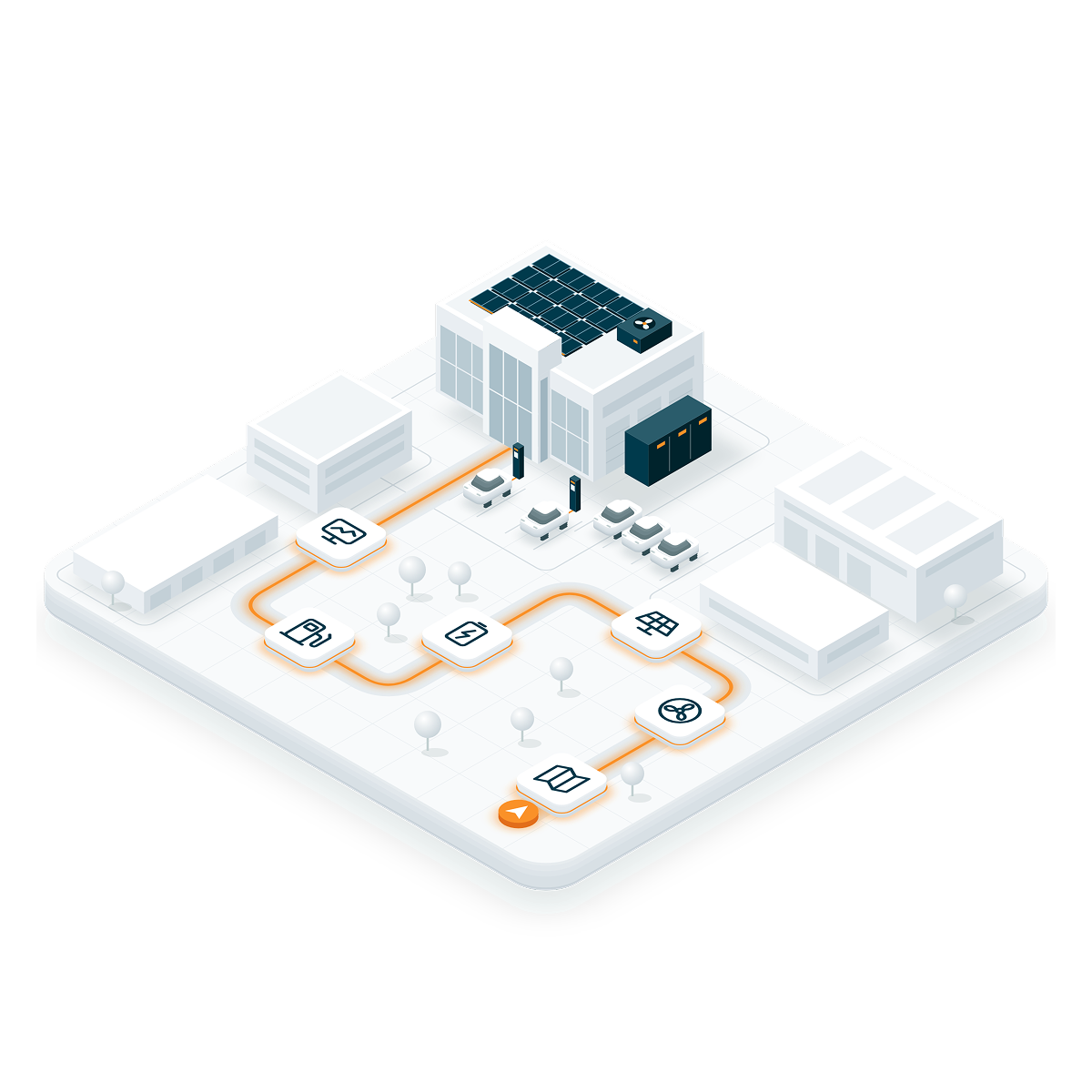
Elexity Nav illustration

Commercial building electricity bills are increasingly costly and chaotic

  • On average, electric bills are up 31% since 2020
  • Monthly peak consumption can set up to 70% of a bill
  • New technologies like EV Chargers add new peak demand
  • Big $$ is available for energy flexibility

Get control of the chaos with a custom energy plan via Elexity Navigator

WHAT YOU GET

Four deliverables. Get clarity on where and what to pursue.

Portfolio Review

A strategic review of all sites that maps each building to its utility, rates, and incentives and prioritizes the ones with the greatest savings potential.
Report

A custom, ROI-ranked list of bill-saving solutions, upgrades, and incentives — delivered twice a year and reviewed by an Elexity analyst.

Pulse

A quarterly check-in on rate options, changes, and bill audits.

Portal

24/7 visibility into building energy usage, trends, utility bill breakdowns and audits through the Elexity Portal.

From roadmap to auto-pilot

Elexity Navigator Prioritization

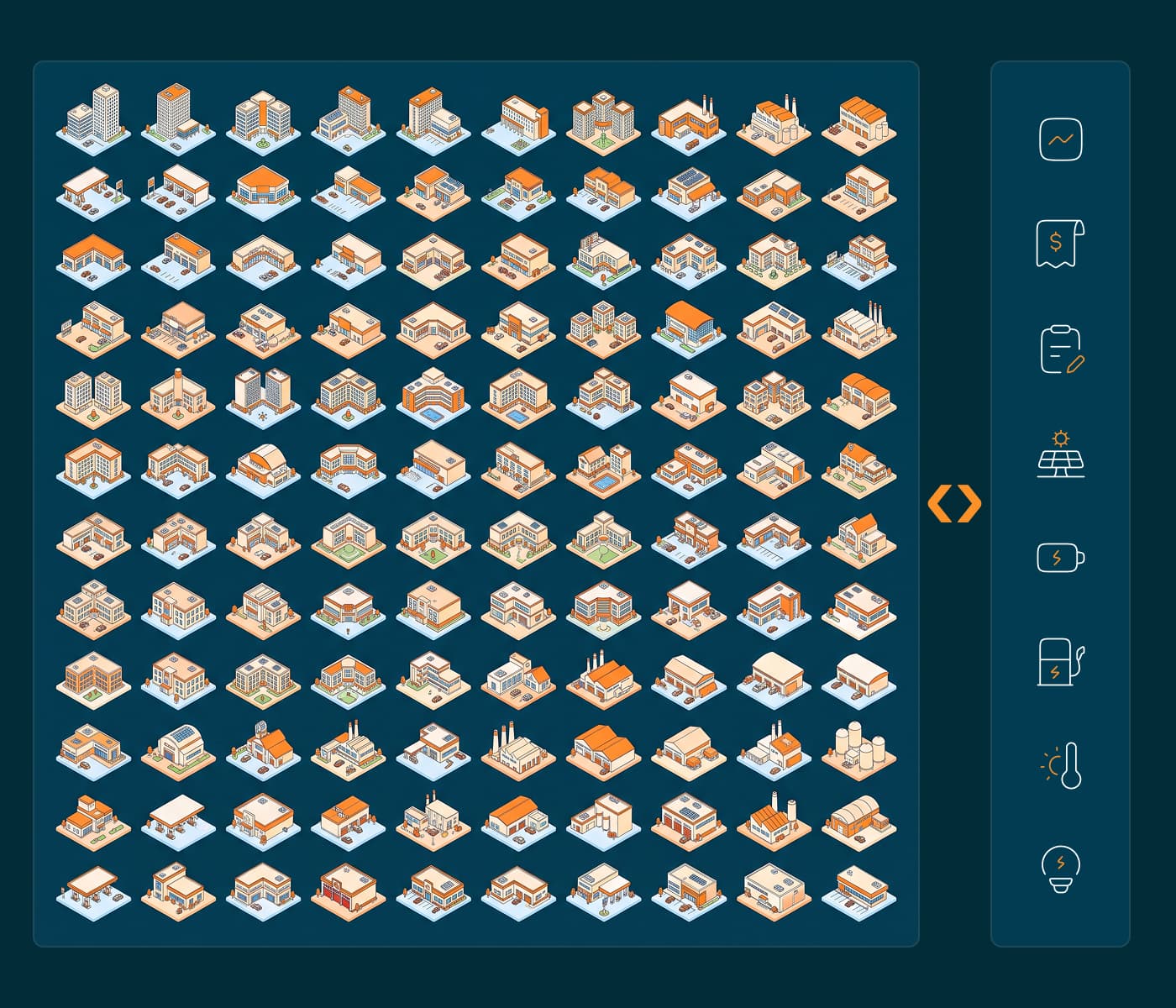
Know which sites to pursue first

Navigator maps every building you operate to its utility, rates, and incentives, then estimates bill savings, revenue from grid programs, the value of backup and more. The result is a prioritized roadmap specific to each location across your entire portfolio.
Book a Navigator demo
Elexity Navigator recommendations

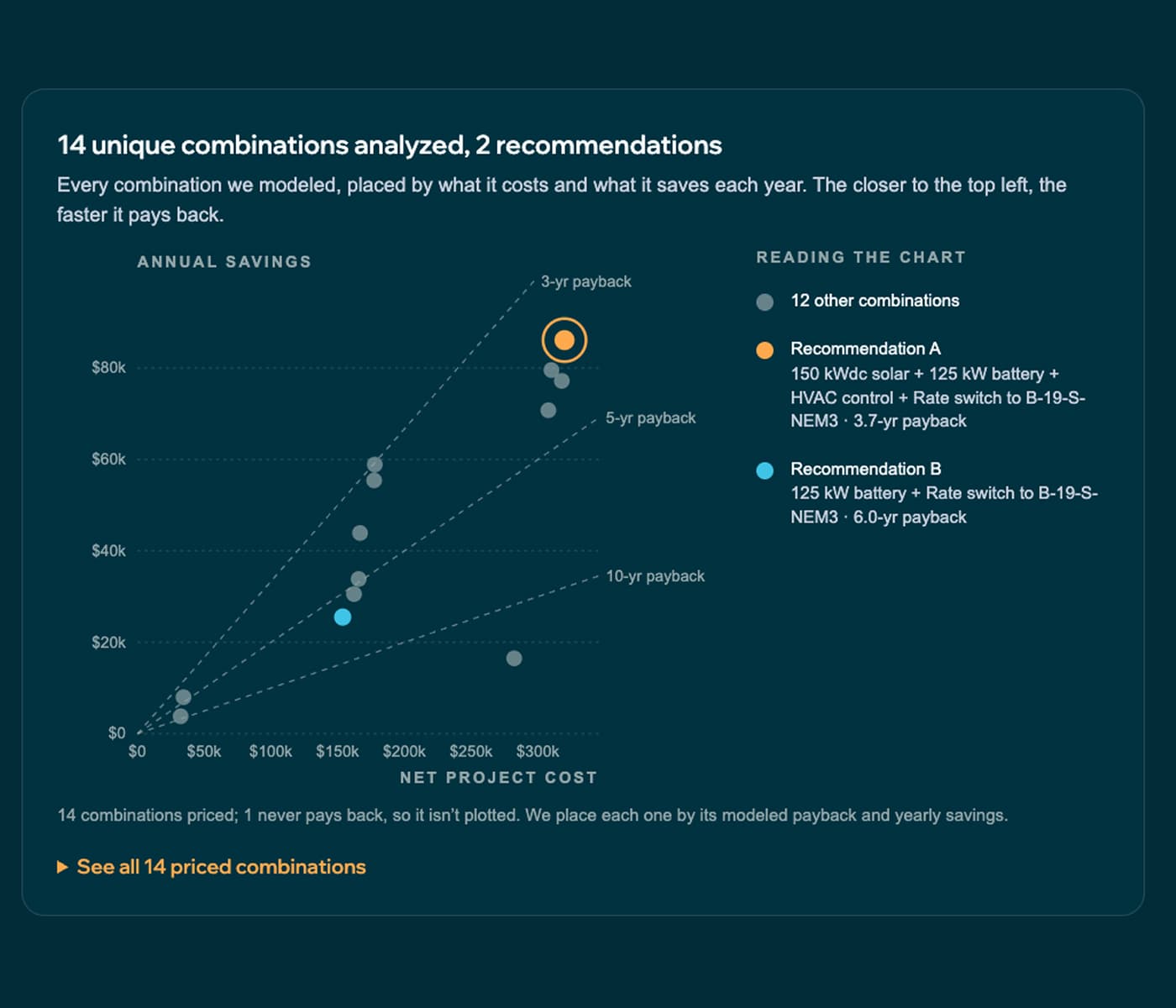
Every option, evaluated

Navigator evaluates solar, storage, HVAC and EV charger load control, rate plans, and grid-services programs together, modeled on each building's own load profile and tariff. Every option is ranked by return so you know which combination delivers the most value before any project begins.
Book a Navigator demo
Elexity navigator utility bill trends

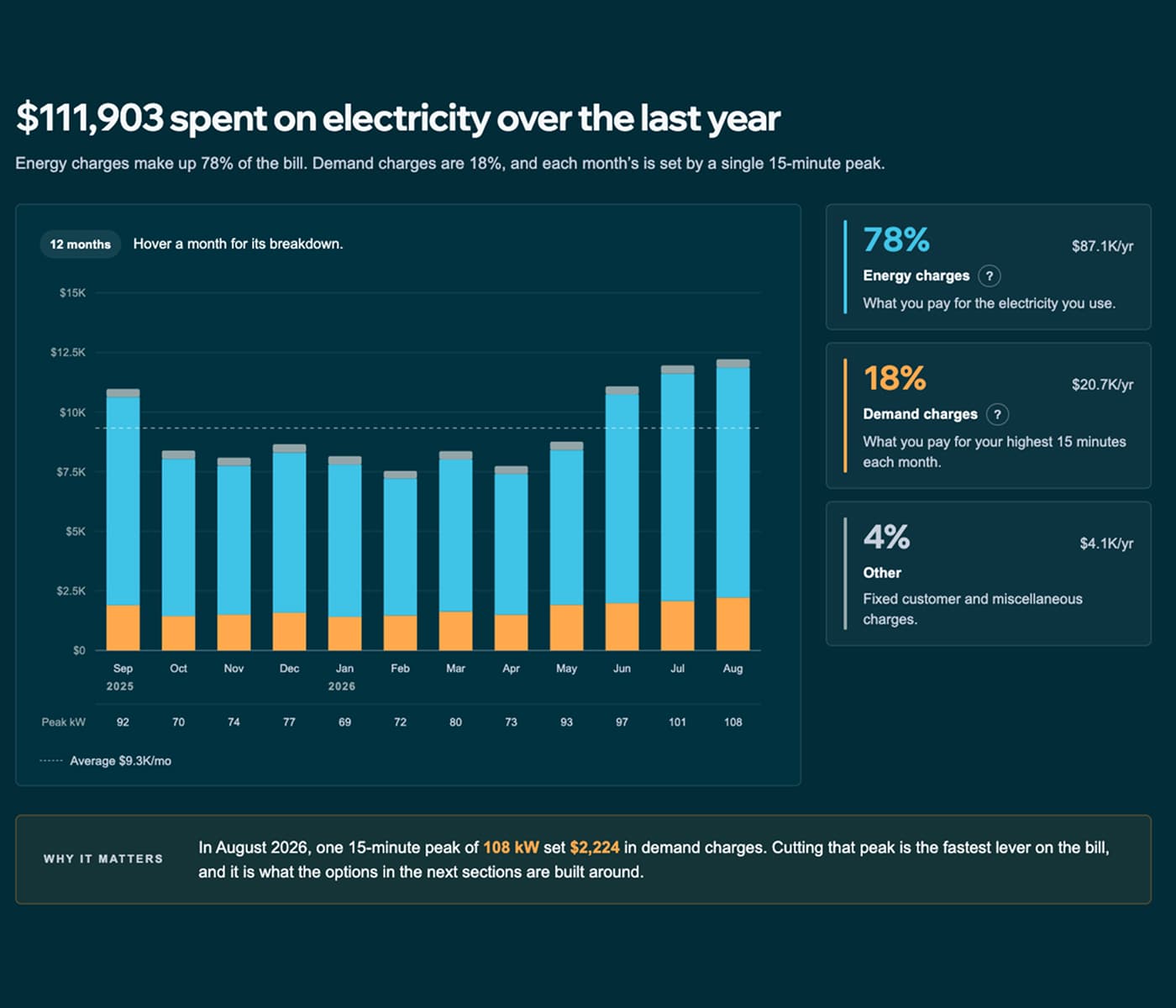
Continuous updates and analyst support

Rates, incentives, and utility programs change, and Navigator keeps pace with quarterly Pulse check-ins, and ongoing bill audits that catch errors and flag better rate options. Also get all of your bills and electricity trends in one easy to access location.

Book a Navigator demo

How Elexity Navigator analyzes a building

Hundreds of different equipment, sizes, control strategies, etc. are evaluated to find the optimal options for your site.

250 possible configurations

All combinations of technologies, control strategies, rate plans are considered.

14 modeled scenarios

A full year performance simulation for each of the best configurations.

2 recommendations

Prioritized based on customer preference (max savings, payback, etc.)

School illustration (2) (1)

Configuration options for each site

Battery sizes

Unique power and energy ratings based on available battery units.

HVAC optimization

Build HVAC load profile, then schedule flexible dispatch.

EV charger optimization

Schedule-based charge rate reduction

Solar production

Based on the building location, roof size, orientation

Dispatch strategies

Demand charge management · Energy arbitrage · Grid Services

Interconnection mode

Solar-only charging with export allowed · Grid charging allowed, no exports

Rate options

Explore available options to the building

Grid services

Via a network of virtual power plant (VPP) providers and programs

Backup power

Available options for resiliency

Proven Performance

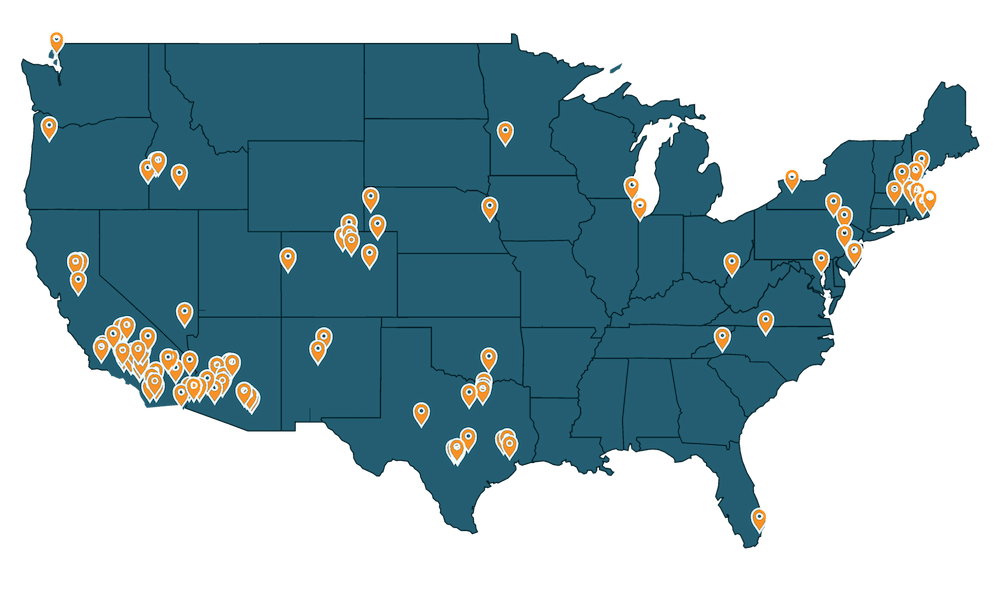
Elexity monitors and operates more than 125 sites across the US and internationally.

Navigator is just he first step in the Elexity platform. Elexity OS can operate the sites according to the savings plan delivered in a Navigator Report to ensure performance.

Elexity Sites (1)

Ready to see your energy roadmap in action?

Frequently asked questions

What do I need to get started?

A short demo call, then two things: authorization to access your utility data, and a short questionnaire about the site. We build your report from there. If you don’t have an online utility account yet, we can still help.

Is hardware required?

No. Navigator is software and analysis, so there’s nothing to install. If you later want your equipment run automatically, Elexity OS is the optional next step.

We already have an energy consultant. How is Navigator different?

Navigator models solar, storage, HVAC and EV charger control, rate plans, and grid-services programs together. That’s dozens of combinations, run on each building’s own load profile and tariff. It also keeps going after the first report. A quarterly Pulse and a twice-yearly report update the plan as rates and incentives change

Can I use Navigator for one building, or only a portfolio?

Both. If you run many buildings, we start with a portfolio review that shows where projects pay and which sites to analyze first. If you run one, you go straight to your report.

What happens after I get my report?

You decide what, if anything, to do next. If you move ahead on a project, you work with the installer of your choice. Elexity is not an EPC or engineering firm and doesn’t install anything. Whichever installer you choose, you start with a plan. If you want the equipment run automatically afterward, Elexity OS does that.